Recording Devices for Meetings: The 2026 Buyer's Guide (and the Privacy Question Nobody Asks)
Recording devices for meetings (2026): the best AI voice recorders compared on price, mic range & battery — plus the on-device vs US-cloud privacy question.
On this page +
- What’s the best recording device for meetings in 2026?
- What types of recording devices are there?
- What features matter most in a meeting recorder?
- How far can a meeting recorder pick up voices?
- Phone vs. dedicated recorder — which should you use?
- Where should you place a recorder in a conference room?
- Where do AI meeting recorders send your audio — and why it matters
- Is it legal to record meetings?
- How do you turn a recording into an accurate transcript?
- Common mistakes when buying and using a meeting recorder
- Troubleshooting: when your recording or transcript fails
- FAQ
The best recording device for meetings in 2026 is a dedicated AI voice recorder, not a phone or laptop. For pure audio quality pick a multi-mic recorder like the Plaud Note Pro; for the cheapest entry the Anker Soundcore Work. But the decision that matters most isn’t battery or price — it’s where your audio goes to be transcribed: a US cloud, or on-device in the room.
💡 Quick answer • Best all-round for in-person meetings: a dedicated AI recorder with a multi-mic array (e.g. Plaud Note Pro,
$189). • Cheapest solid option: Anker Soundcore Work ($159, 8 h + 32 h in the case). • Traditional, no-AI, high fidelity: Sony ICD-TX660 or a Zoom handheld recorder. • Most private (on-device / EU-hosted, no cloud): a data-sovereign recorder like Kuno. • Legal must-do: get everyone’s consent before you hit record (all-party consent in the EU and 11 US states).
Recording hardware has quietly split into two camps: traditional recorders that just capture audio, and AI recorders that also transcribe and summarise. The catch is that almost every AI recorder ships your meeting to an external server to do that work. Under the EU’s GDPR, mishandling that audio can cost up to €20 million or 4% of global annual turnover (GDPR Art. 83) — which is why where the processing happens is now a buying criterion, not a footnote (verified June 2026).
What’s the best recording device for meetings in 2026?
There’s no single winner — the right device depends on room size, budget, and how sensitive your conversations are. Below are the leading options with verified specs, including the column most “best recorder” lists skip: where the AI runs and where the maker is based.
| Device | Price (approx.) | Battery | Mics / range | Transcription | Where AI runs | Maker |
|---|---|---|---|---|---|---|
| Plaud Note Pro | ~$189 | up to ~30 h | 4 MEMS + 1 VPU, ~5 m (per Plaud) | App, 100+ langs (cloud) | US cloud | USA |
| Plaud Note | ~$159 | up to ~30 h | Dual-mode, close range | App, 100+ langs (cloud) | US cloud | USA |
| Anker Soundcore Work | ~$159 | 8 h + 32 h in case | Array, ~5 m | 300 free min/mo, then paid | Local + AWS cloud | China |
| Sony ICD-TX660 | ~$160–200 | up to ~16 h | Stereo, ultra-slim, 16 GB | None (audio only) | On-device, no AI | Japan |
| Zoom handheld (H-series) | ~$100–200 | varies | Excellent stereo mics | None (audio only) | On-device, no AI | Japan |
All figures verified June 2026 against maker and retailer pages (Plaud, Anker/Soundcore, Sony, Zoom). Street prices fluctuate; subscription costs are separate.
Verdict: For the best raw capture of a multi-person table, a four-mic AI recorder like the Plaud Note Pro leads on microphones and battery. On a budget, the Soundcore Work is the value pick. If you only need clean audio and will transcribe separately, a Sony or Zoom recorder gives superb fidelity with no cloud at all. The one limitation shared by every cloud AI recorder: for the convenient transcription and summaries, your audio leaves the room.
What types of recording devices are there?
Before comparing brands, match the category to your room. The wrong class — not the wrong brand — is what usually ruins a transcript.
| Device type | Best for | Main weakness |
|---|---|---|
| Smartphone | Quick notes, 1:1, backup capture | Weak pickup across a table |
| USB / desk microphone | Solo host, remote interviews | Limited room coverage |
| Dedicated AI recorder | In-person meetings + auto transcript | Cloud processing for AI features |
| Traditional handheld recorder | High-fidelity audio, no cloud | No built-in transcription |
| Conference-room system | Fixed rooms, repeat use | High install cost and tuning |
For most teams that move between rooms, a portable dedicated recorder is the safest single choice: it starts with one button, survives a long meeting, and isn’t interrupted by calls or app-switching.
What features matter most in a meeting recorder?
Specs only matter when you know what they change in practice. These are the criteria that decide whether a recording becomes a clean transcript.
| Criterion | Why it matters | What to check |
|---|---|---|
| Data sovereignty | Decides if sensitive talk stays compliant | On-device option, EU/local hosting, no AI training |
| Microphones & range | Group table vs. 1:1 | Multi-mic array, pickup in metres |
| Battery & storage | Long meetings without a recharge | Continuous hours, onboard GB |
| Transcription accuracy | Bad text = rework | Accuracy in your language, not just English |
| Subscription model | Hidden running costs | Free minutes/month, full-plan price |
| Consent features | Legal safety in the room | Visible record indicator, fast stop |
| File export | Avoid proprietary lock-in | Standard USB-C, WAV/MP3 export |
⚠️ Watch the subscription. Most AI recorders include only ~300 free transcription minutes per month (Plaud, Soundcore). After that a subscription kicks in — often $100+ per year (verified June 2026). Add the running cost to the sticker price before you buy.
How far can a meeting recorder pick up voices?
Distance is the enemy of usable meeting audio. A phone or laptop mic is reliable to roughly one metre; past that, distant voices thin out and the person across the table gets lost. Modern AI recorders close this gap with multi-microphone arrays and beamforming — Plaud, for example, cites a four-mic array capturing speech up to ~5 metres (16 ft) while rejecting room noise (maker figure, verified June 2026). For a six-person table, that range is the difference between a clean transcript and one full of “[inaudible]”.
Phone vs. dedicated recorder — which should you use?
A phone is fine for a quick 1:1 across a desk or as a backup file. It struggles the moment several people speak around a table: uneven levels, handling noise, and notification pings all degrade the recording, and the transcript punishes whoever sits farthest away. A dedicated recorder wins for any meeting that matters because it’s built only to record — better mics, a real record button, and no battery drain from other apps. Use the phone as the backup, not the primary.
Where should you place a recorder in a conference room?
Placement beats price. Put the recorder closer to the people than to the walls, in the centre of the speaking area, away from glass, bare tabletops and windows that add harshness. Keep it off tapping points (no one’s drumming spot) and give it a clear line to every speaker — bags, laptops and water bottles block sound more than people expect. A mid-range recorder placed well beats a premium one placed badly.
📝 30-second pre-meeting check. Do a 10-second test recording, ask each person to say one sentence (you’ll hear distance problems instantly), silence notifications, and name the file
2026-06-04_Topic_Team. This single habit prevents most “bad audio” surprises.
Where do AI meeting recorders send your audio — and why it matters
Here’s the question that separates the devices: does your meeting leave the room to be transcribed? Most popular AI recorders send audio to a cloud — often in the US — for the convenient transcription and summary features. That’s perfectly usable for low-stakes notes, but for confidential material (HR, health, legal, government, client data) it introduces a transfer that EU organisations have to justify under GDPR and the post-Schrems II rules.
To be fair and accurate: the major cloud recorders can be used in a GDPR-compliant way — several advertise GDPR, SOC 2 and other certifications, and some state they don’t train models on your recordings. Compliance isn’t “banned vs. allowed”; it’s a question of data sovereignty — where audio is processed, where it’s stored, and who could theoretically access it.
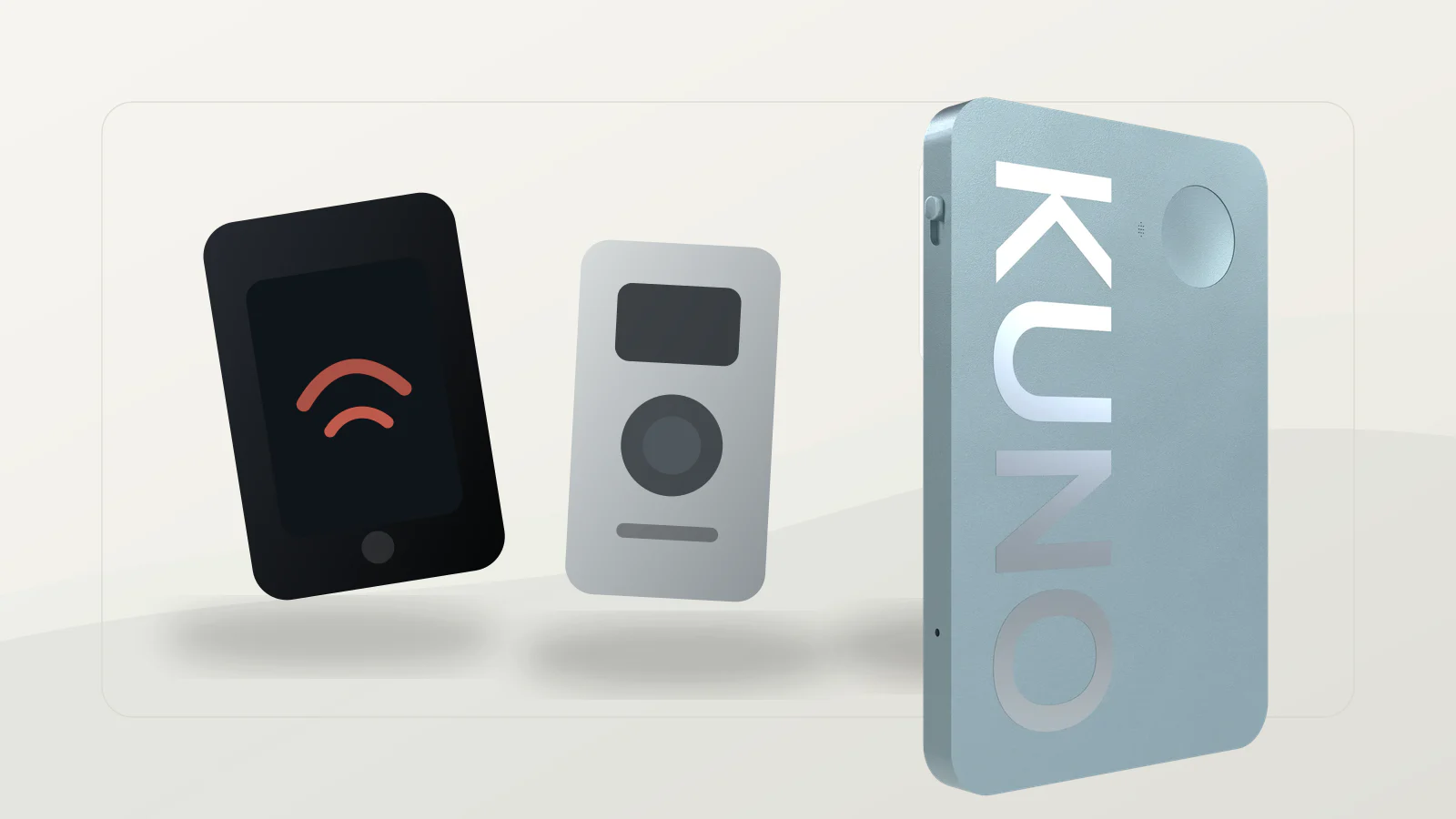
This is exactly the gap Kuno is built for. Kuno is a privacy-first AI voice recorder, made in Germany, that captures and transcribes in-person meetings on-device, with EU data hosting and no training on your recordings. Instead of shipping audio to a foreign cloud, the processing stays on the device — and because it’s standalone hardware, it reaches the in-person and field meetings that software meeting-bots can’t join.
▶ Capture meetings without sending them to a US cloud. Plaud, Soundcore & co. are strong devices — but they process the AI features outside the EU. Kuno is a recorder made in Germany: on-device transcription, EU-hosted, never used to train AI. A visible recording indicator shows everyone when it’s on, and a one-tap stop pauses instantly — so you capture consent cleanly. Get early access →
Is it legal to record meetings?
It depends on consent, and the rule differs by jurisdiction. The safe default everywhere is all-party consent: tell everyone, get a clear yes, then record. Secret recording of a private conversation is a criminal offence in much of Europe, and in the eleven US “two-party consent” states it can trigger civil and criminal liability.
| Jurisdiction | Rule for private conversations | Practical takeaway |
|---|---|---|
| Germany | Secret recording of the non-public spoken word is a criminal offence (§201 StGB); GDPR also applies | Get everyone’s consent first |
| Austria / Switzerland | Similar protection of the spoken word (AT §120 StGB; CH Art. 179bis) | All-party consent |
| EU (general) | GDPR needs a lawful basis (usually consent) for recording identifiable people | Inform purpose, storage, recipients |
| US — two-party states (11) | All parties must consent (e.g. CA, FL, PA) | Consent before recording |
| US — one-party states | One participant’s consent is enough | Still best practice to disclose |
📝 Consent line to read aloud. “Before we start, I’d like to record this meeting to create accurate notes. The recording is kept for [X weeks] and then deleted. Please say so now if you’re not comfortable.” A short verbal yes documents consent.
This is where hardware with consent features earns its place: a visible recording indicator shows everyone when capture is live, and a physical one-tap stop lets you pause the moment someone objects — far clearer than a buried app notification.
⚠️ General information, not legal advice. Rules vary by country and situation (DE §201 StGB; AT §120 StGB; CH Art. 179bis). For sensitive or cross-border recordings, get a data-protection review. Sources verified June 2026.
How do you turn a recording into an accurate transcript?
Start from the cleanest original file, move it off the device the same day (USB-C, SD card, or the sync app), and run one short human review pass for names, acronyms, product terms and action items — the spots automated transcription still misses. AI recorders do this chain in one flow; with a traditional recorder you upload the WAV to a transcription tool. Either way, accuracy depends on the whole chain: capture, transfer, upload, review. A device that transcribes on-device shortens that chain and keeps the audio private end-to-end.
Common mistakes when buying and using a meeting recorder
- Buying on sticker price alone — the subscription after ~300 free minutes/month often outgrows the hardware cost.
- Ignoring data sovereignty — for confidential content, the US cloud is the real risk, not the microphone.
- Testing accuracy only in English — check transcription in your working language and with your jargon.
- Skipping consent — an app notification doesn’t replace active, all-party consent in the EU.
- Overlooking proprietary charging — some recorders use a special connector, not standard USB-C.
- Confusing a meeting-bot with hardware — software bots can’t join an in-person or field meeting; that needs a standalone device.
Troubleshooting: when your recording or transcript fails
If the transcript is patchy, it’s usually distance or background noise — place the recorder more centrally and closer to speakers. If sync hangs, check connection and account login, since cloud processing won’t start otherwise. If your free minutes are used up, audio still records but won’t transcribe until you subscribe or switch to a device that processes locally. If the device won’t charge, check proprietary magnetic pins are seated correctly. And if voices overlap, the fix is behavioural: ask people to pause briefly before jumping in.
FAQ
What is the best recording device for meetings?
For in-person meetings, a dedicated AI recorder with a multi-mic array (e.g. Plaud Note Pro). For clean audio with no cloud, a Sony or Zoom handheld. For confidential content, an on-device, EU-hosted recorder like Kuno.
Can I record a meeting without Zoom, Teams or Google Meet?
Yes — that’s exactly what a standalone recorder is for. It captures in-person and field meetings that software bots can’t join, with no platform account needed.
How far can a meeting recorder hear?
Phones are reliable to ~1 m; multi-mic AI recorders reach ~5 m (16 ft) across a table while suppressing room noise.
Is it legal to record a meeting?
Only with consent. The EU and 11 US states require all-party consent; secret recording of a private conversation is a criminal offence in Germany (§201 StGB). General information, not legal advice.
Do meeting recorders transcribe automatically?
AI recorders do (usually via a cloud app); traditional recorders (Sony, Zoom) capture audio only, which you then upload to a transcription tool. On-device recorders transcribe without sending audio away.
What does a good meeting recorder cost?
Hardware runs roughly $140–200. Factor in subscriptions: AI recorders often give ~300 free minutes/month, then charge for more.
Kuno is a privacy-first AI voice recorder, made in Germany, that captures and transcribes in-person meetings on-device with EU data hosting and no training on your recordings.